








Direct Answer
RBAC onboarding means new employees get access through a predefined role, such as Sales or Marketing, instead of through a series of individual permission decisions. Each role bundles the apps, accounts and access rights the job actually needs, so new hires are productive on day one and nobody receives more access than their work requires. Platforms like deeploi start this process from the HR system and cut manual IT onboarding from 2–3 hours to 3–5 minutes per person.
Key Takeaways
- Roles replace one-off decisions: RBAC bundles access into roles, so every new hire in the same function starts with the same documented set of tools.
- Least privilege by design: Each role contains only the access its tasks require, which closes the gaps that open up when people copy a predecessor’s permissions.
- Audit-ready from the start: A role model shows who can access what and why, which is exactly what ISO 27001, NIS2 and, in Germany, the BSI IT-Grundschutz expect you to document.
- Automation closes the HR-to-IT gap: deeploi starts onboarding when a new hire is created in the HR system, assigns the matching role-based package after a quick approval, and reduces IT onboarding to 3–5 minutes.
What is role-based access control (RBAC)?
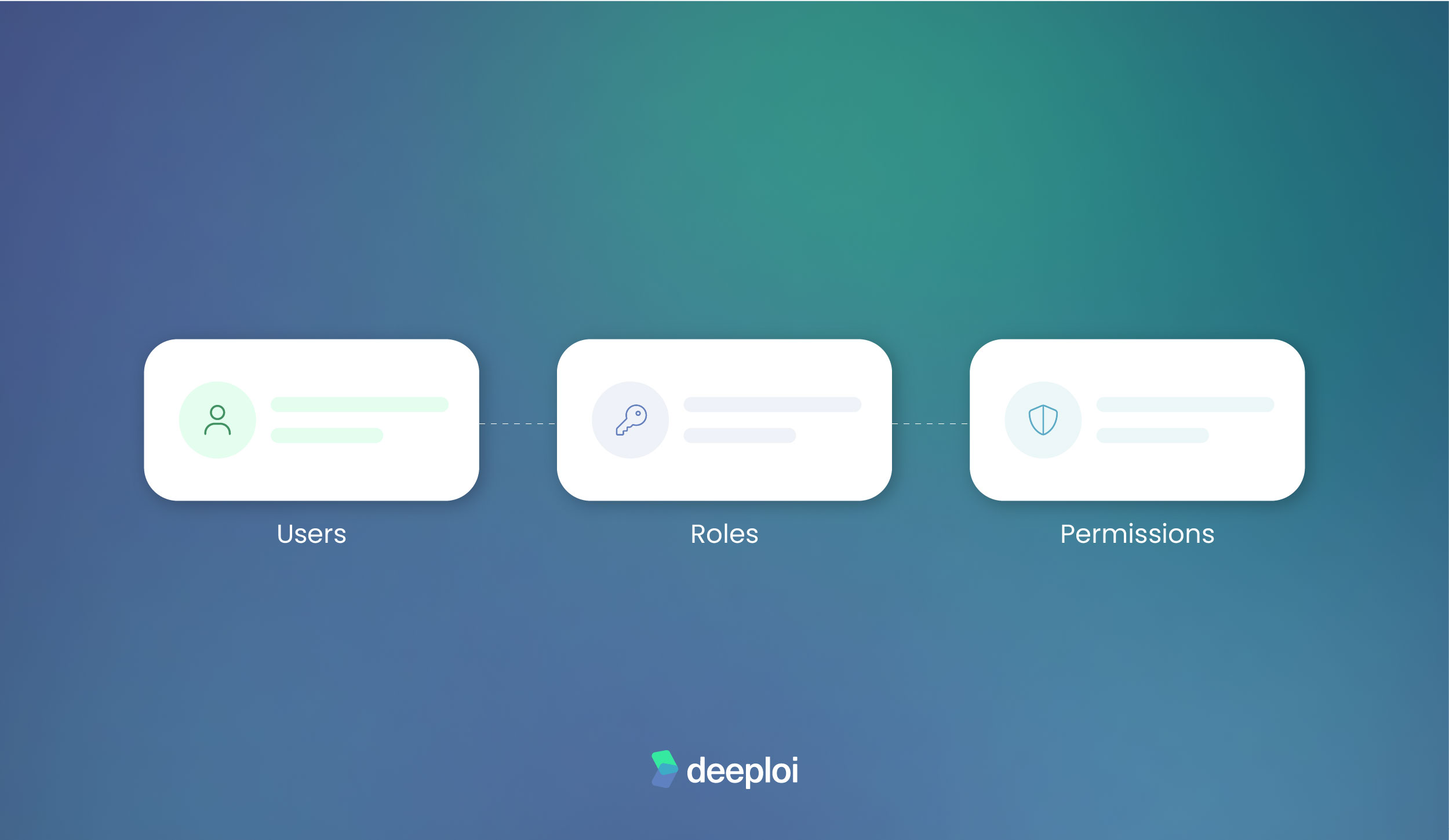
Role-based access control (RBAC) is a security model in which permissions are tied to roles instead of individual people. NIST researchers formalized the model in 1992, and the US standards institute NIST still defines it today. A role bundles all the access and tools a specific function in the company needs, for example “Sales” or “Marketing”. Everyone assigned to that role automatically receives the same rights.
This is what sets RBAC apart from how many small and mid-sized businesses handle access today. In those companies, one person often decides request by request who gets access to what. For a sales role, that typically means the CRM, the quoting tool and shared calendars, while a marketing role is more likely to need the CMS, social media tools and analytics.
For growing companies without a large IT department, RBAC is usually the most pragmatic place to start, because roles follow real areas of work such as sales or marketing rather than complicated technical rules. More granular models like attribute-based access control (ABAC) exist, but they add complexity that small teams rarely need.
Why gut-feeling permissions become a risk during onboarding
Under time pressure, onboarding invites a shortcut. The new colleague gets the same access as the person who held the job before her, or a little more, so she doesn’t have to keep asking. The real risk is that this access was never tied to a documented role, only loosely to a person and her predecessor. That is exactly why nobody notices later, when the colleague leaves the company and her access should be revoked.
A OneLogin survey of 500 IT decision-makers in the US shows how big this gap is in practice. At half of the companies surveyed, former employees’ accounts stay active for more than a day, and a quarter need more than a week to fully deactivate them. 44% of respondents aren’t sure whether former employees have actually been removed from the company network, and 20% say that missed deprovisioning has already contributed to a security incident at their own company.
The financial stakes make the difference clear. In IBM’s Cost of a Data Breach Report 2025, breaches caused by malicious insiders cost an average of USD 4.92 million, more than the USD 4.44 million average across all breaches, and the 2026 edition of the report puts the global average at a record USD 4.99 million. The principle of least privilege limits exactly this risk, because access is granted according to actual need rather than gut feeling. In Germany, this is a documented expectation of the BSI IT-Grundschutz, and across the EU, ISO 27001 (controls A.5.15 and A.5.18) and NIS2 (Article 21) set the same expectation for access control.
How RBAC onboarding works in practice
In practice, RBAC onboarding runs in three steps:
- Define roles that match the actual areas of work in your company.
- Bundle the right tools and access rights for each role into one package.
- Assign that role at every new onboarding instead of putting permissions together one by one.
A marketing role, for example, bundles CMS access, social media tools and analytics rights, while a finance role covers the accounting tool and expense management. The same mechanism also works beyond onboarding, across what IT teams call the joiner-mover-leaver cycle. When someone changes department, you assign a different role instead of adjusting permissions individually.
Define roles first, not individual cases
Before any software comes into play, the list of roles itself comes first. Three to five broad role-based access packages usually make sense, built around real areas of work such as sales, marketing, finance and administration rather than individual job titles. A package bundles all the tools and rights of a function, not a title on a business card, so two people with different titles can share the same package if they need the same access. Keep roles broad, but not too broad, because a role that contains everything for everyone simply hands out excess access in a more organized way.
The trigger: where roles get assigned during onboarding
As soon as a new hire is officially confirmed, the role needs to be assigned, right at the handover between HR and IT. Most onboarding checklists reduce this step to “order laptop” and “create email address” without settling the question of access rights. This handover is where most access gaps appear, because ownership often stays unclear.
The benefits of RBAC for onboarding, security and compliance
Moving from case-by-case decisions to roles has a concrete effect on user access management in four areas:
- Faster onboarding: Assigning a role takes far less time than configuring every permission individually, especially when several new hires start at the same time.
- Smaller attack surface: Least-privilege access means nobody has more access than their role requires, which closes the gap created by copying a predecessor’s permissions.
- Traceable compliance: Role-based structures show at any time who can access what and why, which matches the documentation requirements of ISO 27001, NIS2 and, in Germany, the BSI IT-Grundschutz.
- Fewer follow-up requests: Everyone in the same role gets the same rights, which removes the reason for support tickets asking “Why does she have access and I don’t?”
These four effects reinforce each other, so onboarding gets faster without security or auditability suffering.
{{cta}}
How deeploi automates RBAC onboarding
As an All-in-One IT Management Platform, deeploi automates the exact handover between a new entry in the HR system and the role-based provisioning of software and access. That is the point where responsibility between HR and IT usually gets blurry, and we cover it for companies with or without their own IT department:
- HR trigger instead of checklist: As soon as a new hire is created in Personio, Factorial, BambooHR or HiBob, deeploi suggests the matching role-based software and access package. After a quick approval, we handle the rest, and nobody has to work through a checklist.
- Base software for everyone: On top of the role-specific packages, you can define which software every new hire receives regardless of their role. [Editor note: confirm this feature with Product before publishing.]
- Onboarding in 3–5 minutes: Onboarding takes 3–5 minutes instead of the usual 2–3 hours of manual work spent creating accounts, configuring devices, installing software and handing out access one by one. Offboarding input takes 2–5 minutes. Automating the whole onboarding process cuts manual IT effort by up to 95%.
- Ongoing support: Sam, our AI IT support agent, is the first point of contact 24/7 and answers requests instantly. When needed, he reads live device data via MDM (Mobile Device Management), suspends users, manages group memberships or adjusts mailbox access, and every action requires sign-off from your IT owner. For more complex issues, he hands over to our human IT experts, who respond in 12 minutes on average (SLA: 30 minutes).
Role-based onboarding with deeploi works whether or not you already have an IT team:
- Without an IT department: You can introduce RBAC without building IT expertise in-house, because provisioning and support run through the platform. That matters most when IT has landed on the desk of an HR manager who is also the IT department.
- With an existing IT team: Your IT team gets fewer repetitive access requests in the ticket queue and more time for complex, strategic projects.
Conclusion: roles instead of one-off decisions, the pragmatic next step
If you hand out access by gut feeling under time pressure instead of tying it to roles, you risk exactly what is hardest to clean up later, namely accounts nobody can clearly assign and access that gets forgotten when someone leaves. RBAC fixes this structurally. It doesn’t depend on more discipline in day-to-day work, because you define roles once and then simply assign them. This works for small teams as well as growing companies, and without an in-house IT department.
The last step is where deeploi comes in. As soon as a new hire is created in your HR system, the matching role package is ready for your approval. Onboarding drops from 2–3 hours of manual work to 3–5 minutes, and automated offboarding input takes 2–5 minutes. New hires get their access right away, and leavers lose theirs just as reliably.
FAQ
How does RBAC onboarding work in a company without an IT department?
You define roles once, even in a simple spreadsheet, and then assign them at every new onboarding. With deeploi, the All-in-One IT Management Platform picks up each new hire from your HR system and suggests the matching role package for you to approve. You don’t need in-house IT expertise for this, because the platform and our IT support team handle the technical side.
Which roles should a small business define first?
Three to five broad roles built around real areas of work, such as sales, marketing, finance and administration, are enough to start. Starting with the roles that come up most often matters more than completeness, and you can refine the structure later. Creating one role per job title is usually too granular at the beginning.
Is RBAC worth it if you already have an IT team?
Yes. RBAC takes over exactly the requests that cost your IT team the most time and bring the least strategic value, such as individual access approvals after back-and-forth questions. Because the role already defines the access, your team can focus on complex technical projects instead of recurring ticket work.
How does RBAC help with offboarding and revoking access?
Because a person received their access through a role, removing that one role takes away the whole access package when they leave. This reduces the risk of forgotten individual approvals, meaning accounts that stay active after someone leaves because single permissions were overlooked. Those leftover accounts are exactly what auditors look for, as our guide to offboarding audit evidence for SOC 2 and ISO 27001 explains.



